
This morning, I received a call from a small business owner in my neighborhood. He found me on Nextdoor. He had two older desktop computers. One had crashed completely, and the other was painfully slow. You would press a key, wait… wait… wait… and eventually the computer would respond. I came over a little more than an hour later for a free one-hour consultation.
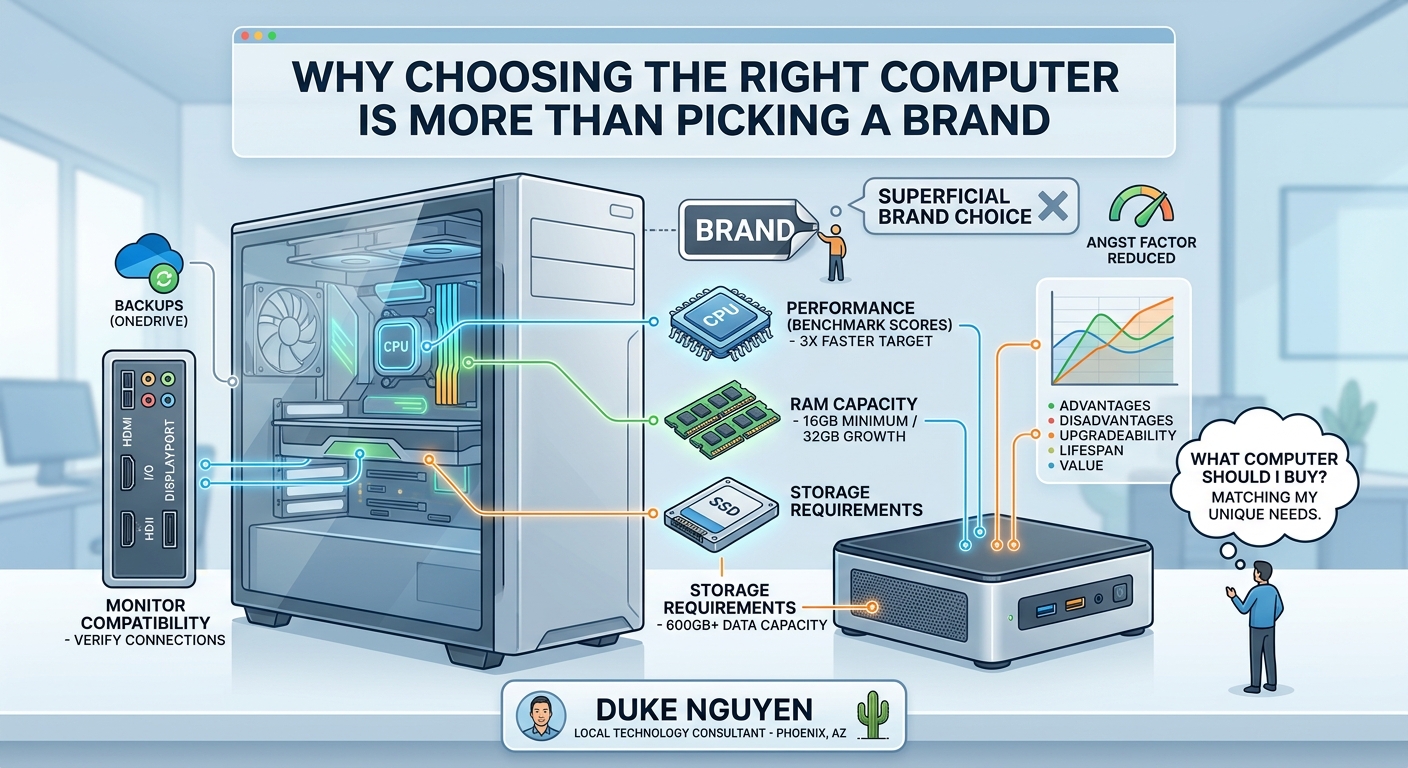
We evaluated whether it made sense to repair the existing computers or purchase a new one. We compared options from Dell Outlet, HP Outlet, Best Buy, and Amazon. When evaluating a computer, I focus on several key factors, including CPU benchmark scores, RAM capacity, storage requirements, monitor compatibility, and network connectivity.
First, we examined the performance of the current computer and compared it to what is available on the market today. As a general rule, I like to see the replacement system provide at least three times the processing performance of the existing machine. As of this writing, 16 GB of RAM is the minimum I recommend for most users, while 32 GB provides additional room for multitasking and future growth.
Next, we reviewed how much storage was actually being used. In this case, the customer was utilizing approximately 600 GB of data. Rather than forcing the customer to spend hours deleting files on an aging computer, we selected a storage size that would accommodate current needs while providing room for future growth.
We also verified whether the existing monitor could be reused and what display connections were currently in use. Monitor compatibility is often overlooked, but verifying HDMI, DisplayPort, or other connections ahead of time can prevent surprises when the new computer arrives.
One question I hear frequently is:
“What computer should I buy?”
The answer is more complicated than simply recommending Brand A or Brand B.
Every customer has different needs, goals, budgets, and usage patterns. During this consultation, we discussed full-size desktop towers, mini PCs, refurbished systems, and new systems. We compared their advantages, disadvantages, upgradeability, expected lifespan, and overall value.
As a local technology consultant, I also ensure backups are in place before any migration begins. Before leaving, I verified that OneDrive was backing up all available folders so that once the new computer arrives, the migration process can proceed smoothly.
I often tell customers about what I call the “angst factor.”
When your frustration level exceeds the cost of the technology needed to solve the problem, it’s time to invest in a better solution.
Technology should reduce frustration, not create it.
That is why having a competent, caring, and trusted local technology consultant matters. A good consultant helps you avoid overspending, avoid buying the wrong equipment, and select technology that meets your needs today while remaining useful for years to come.
About Duke Nguyen
Duke Nguyen is a local technology consultant serving Phoenix, Arizona. Duke helps homeowners, retirees, and small business owners make informed technology decisions, whether that means repairing an existing computer, purchasing the right replacement, configuring backups, improving network performance, or planning for future technology needs.
With a practical, education-first approach, Duke believes technology should reduce frustration, not create it. Rather than focusing on brands or sales quotas, he helps clients understand their options so they can make confident decisions that fit their needs and budget.
When he’s not helping clients with technology, Duke can often be found walking neighborhoods, meeting local business owners, documenting businesses in his community CRM, and building relationships throughout the area.
Need help with computers, networking, cloud services, backups, or small business technology?
Contact Duke Nguyen to schedule a consultation.